Tags
Stockist Portal
cover_thumb:https://storage.googleapis.com/s.mkswft.com/RmlsZTpmYmNmYTE3NC1jODA5LTRmY2MtOWNhZC1hNjg2MGFlYmVmOWY=/Homepage_Primary-Banners_1500x1094px_2.png
Introducing our new Stockist Portal — a central hub designed to make managing your account quicker and easier than ever.
This guide will walk you through each section of the portal, providing a snapshot of the key features and how to use them. You'll learn where to:
- Place and manage orders
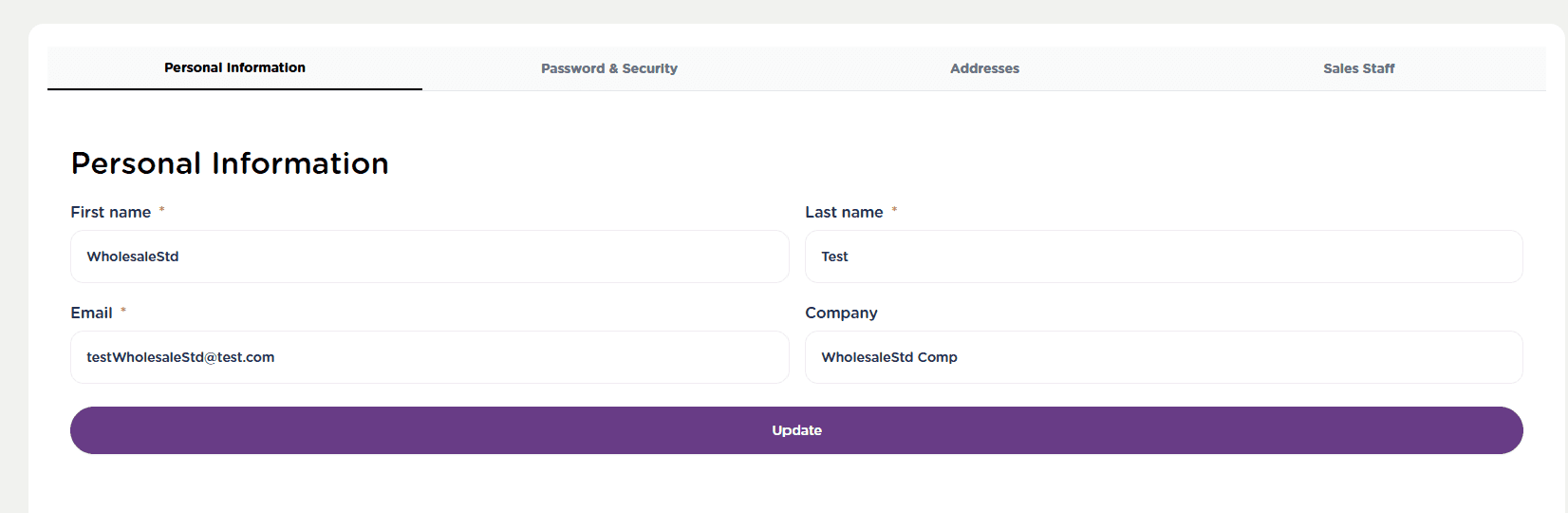
- Update your contact and account details
- Access marketing and product resources
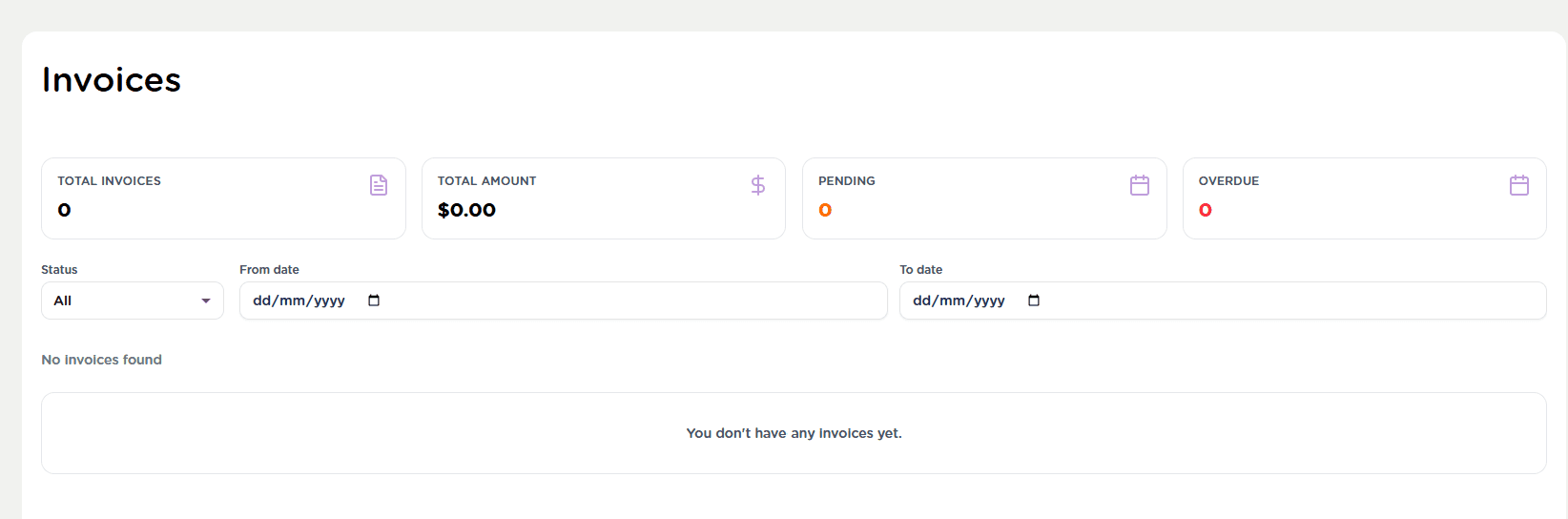
- View important account information
- Find helpful tools and support materials
- And much more
Whether you're logging in for the first time or simply looking to get familiar with the new layout, this guide will help you navigate the portal and make the most of its features.
PRODUCTS
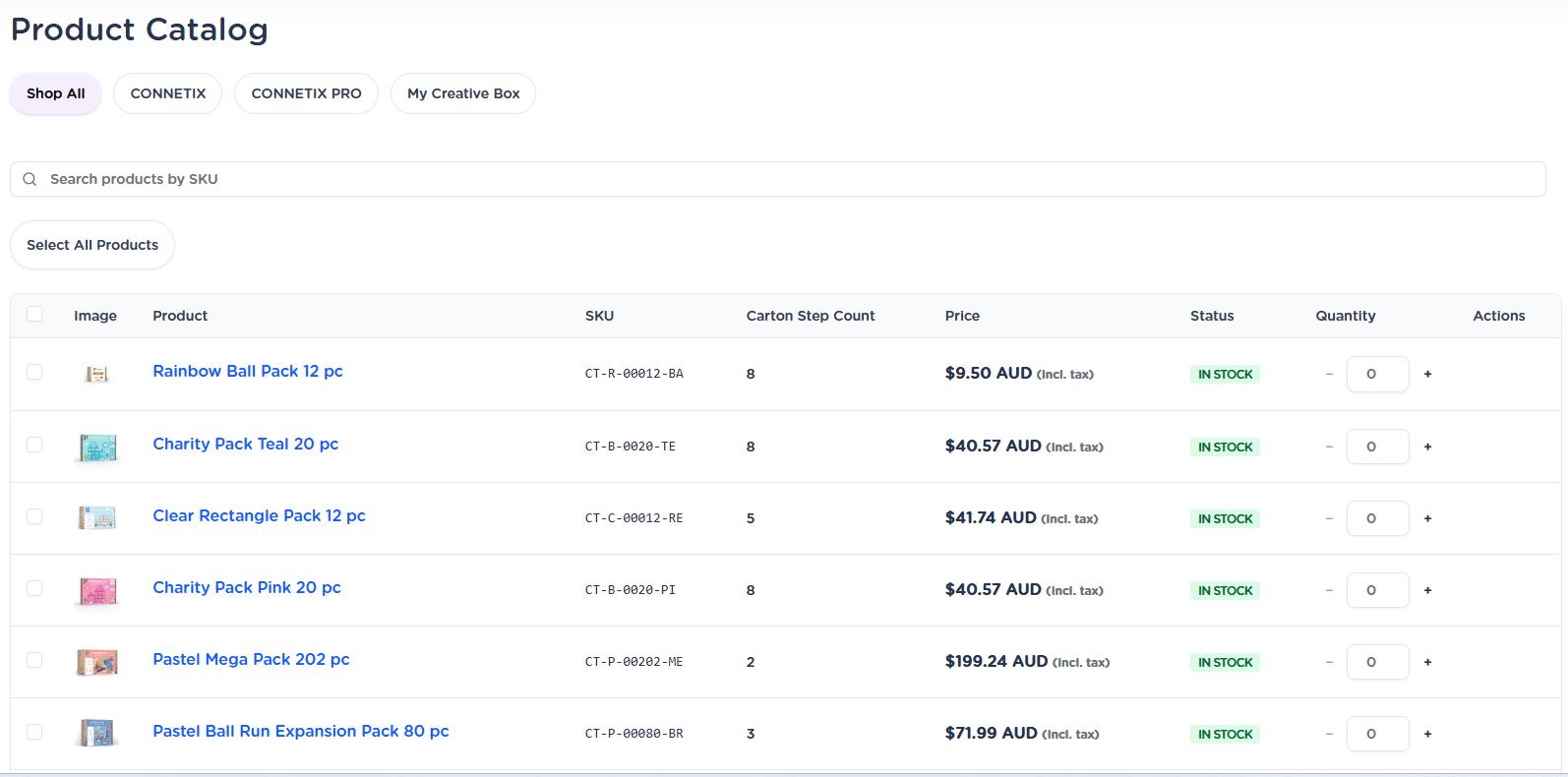
This is the section to order/reorder your stock. Instructions on how to order here.
ORDERS
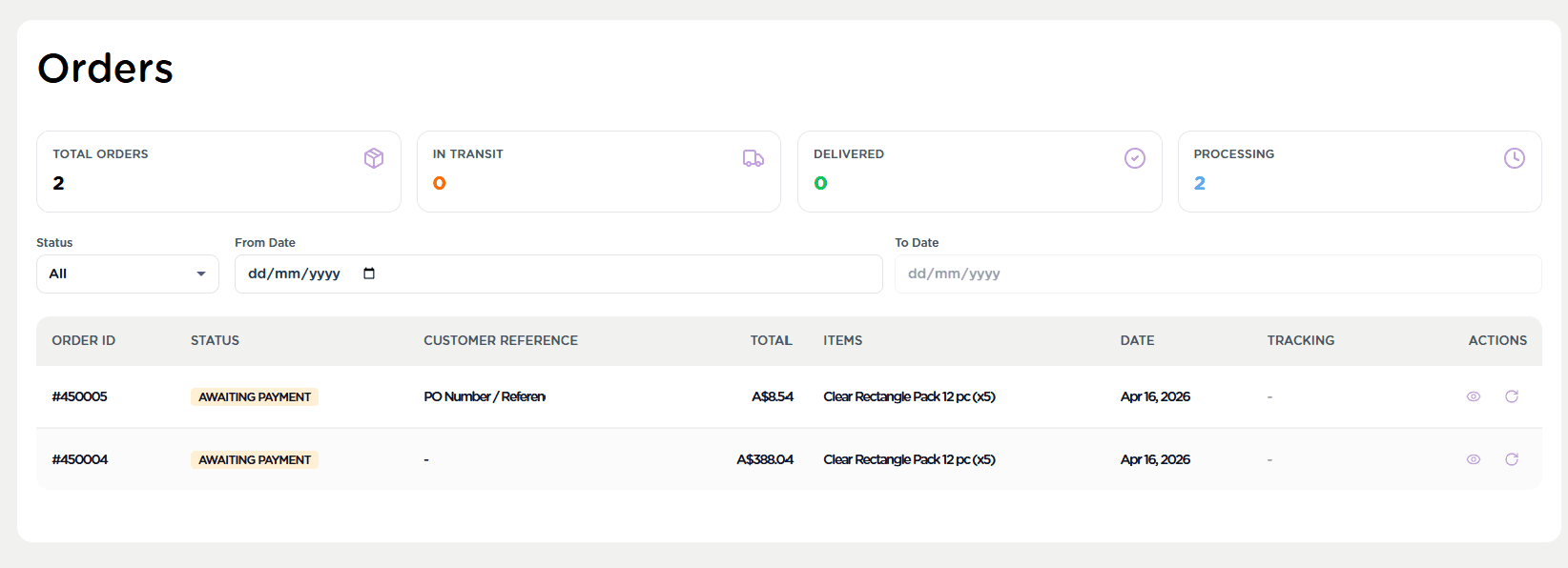
Use this section to manage and review all your orders within the platform.
At the top of the page, you’ll find a summary view that provides a quick snapshot of your overall order activity. Below this, each order is listed with key details, including the Order ID, current status (e.g. awaiting payment, shipped, in transit), and total value.
You can click into individual orders to view more information, including tracking details where available. To help you find what you need quickly, use the search and filter options to sort orders by date or status.
If you need to place a repeat order, simply select a previous order and use the one-click reorder function to streamline the process and save time.